Small tools for specific jobs. A caption from a photo. A rental checked in from a phone. A worksheet ready to turn in. Open the public tools, or look inside the ones I use to run my own businesses.
01 Public tool
Public · open it
Caption Studio.
Photo in, finished caption out. It reads the shot, drafts two sentences in the brand’s voice, caps the hashtags at five and lines up the sponsor tags for you to confirm. Copy it, post it.
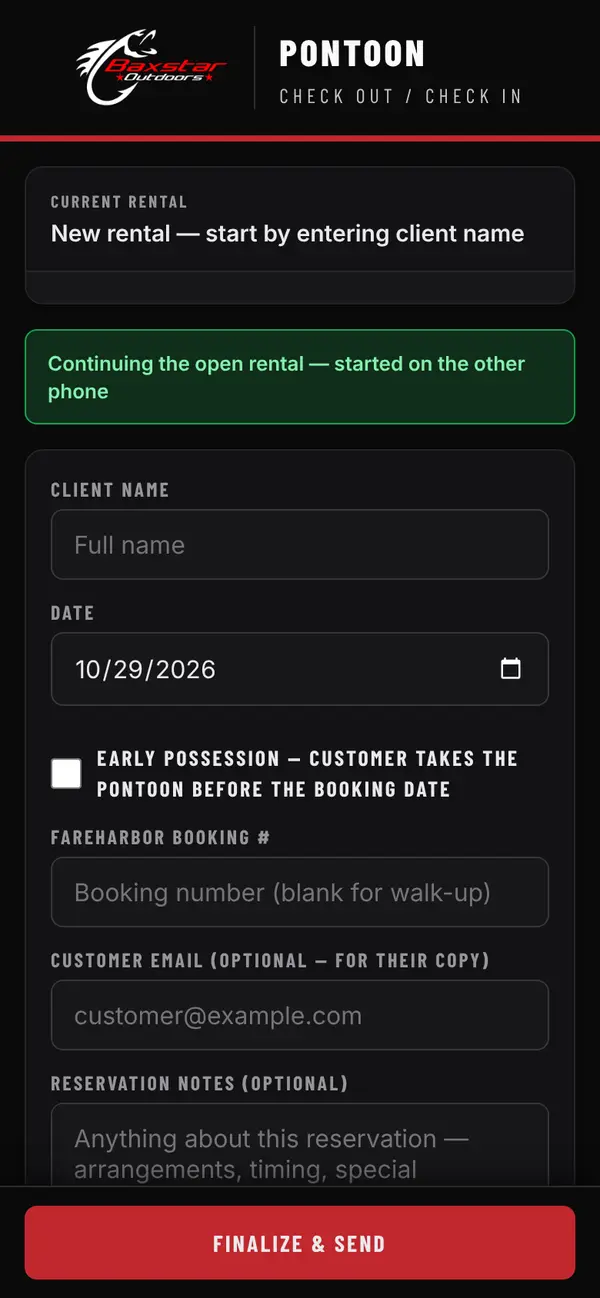
Replaced the clipboard at the dock. Safety and condition checklists, a tap-to-mark damage diagram, signatures, and the booking details pulled from FareHarbor. Two phones share one rental. It writes real rentals, so it stays a picture here.
Runs Baxstar Outdoors rentals
Google Apps Script backend
Keeps working through a dead signal, syncs when it returns
Lets a student open a PDF worksheet, type or draw on it, and download the finished page to turn in. No account, no installation, and the file stays on the device.
Sample rules. Change a choice to see the price respond.
Season
Day
Group
Illustrative total
$424
$400base×1.06shoulder×1.00weekday+$01–2 guests
Four hundred base times 1.06 shoulder times 1.00 weekday plus zero for one to two guests equals 424 dollars.
Illustration only · not a live quote.
04 Dynamic pricing engine
Interactive demo
Dynamic pricing.
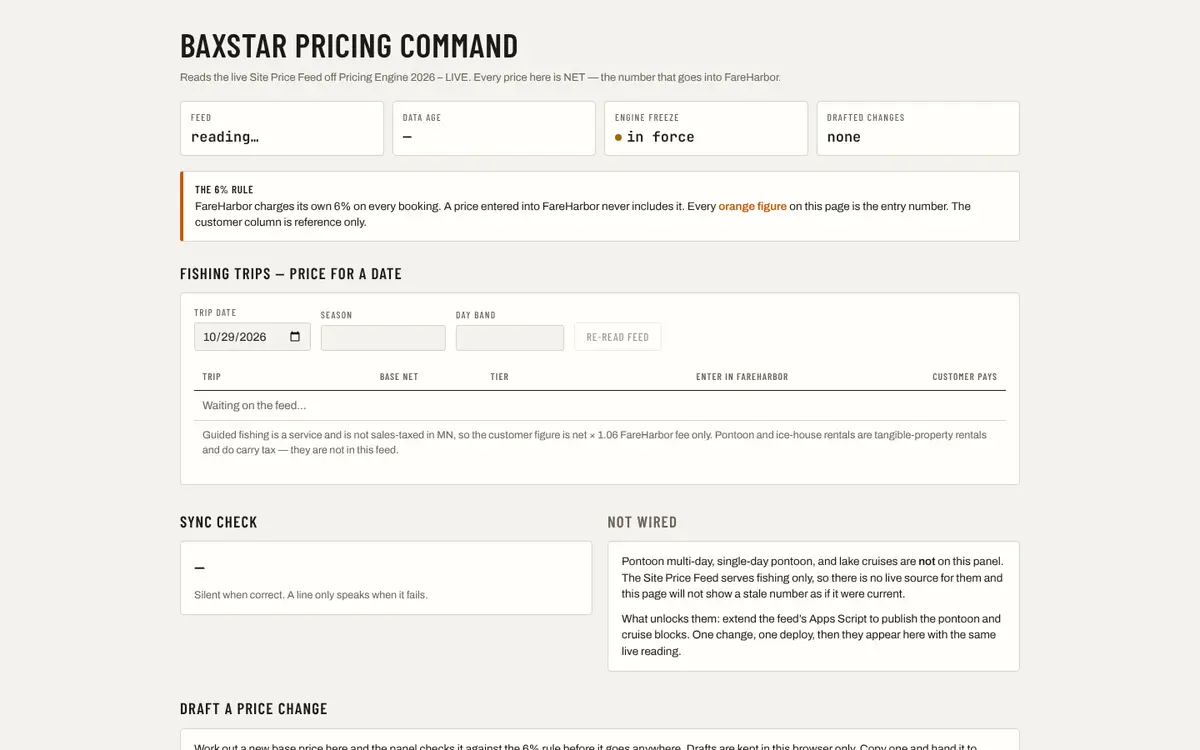
Season, weekday and group size change the price. The live engine powers Baxstar Fishing’s trip rates; this illustration lets you explore the idea with sample rules.
Pricing Command is the control panel behind the engine. The link opens a screenshot of that private tool.
05 Demo build for a salon
Demo
Commission Studio.
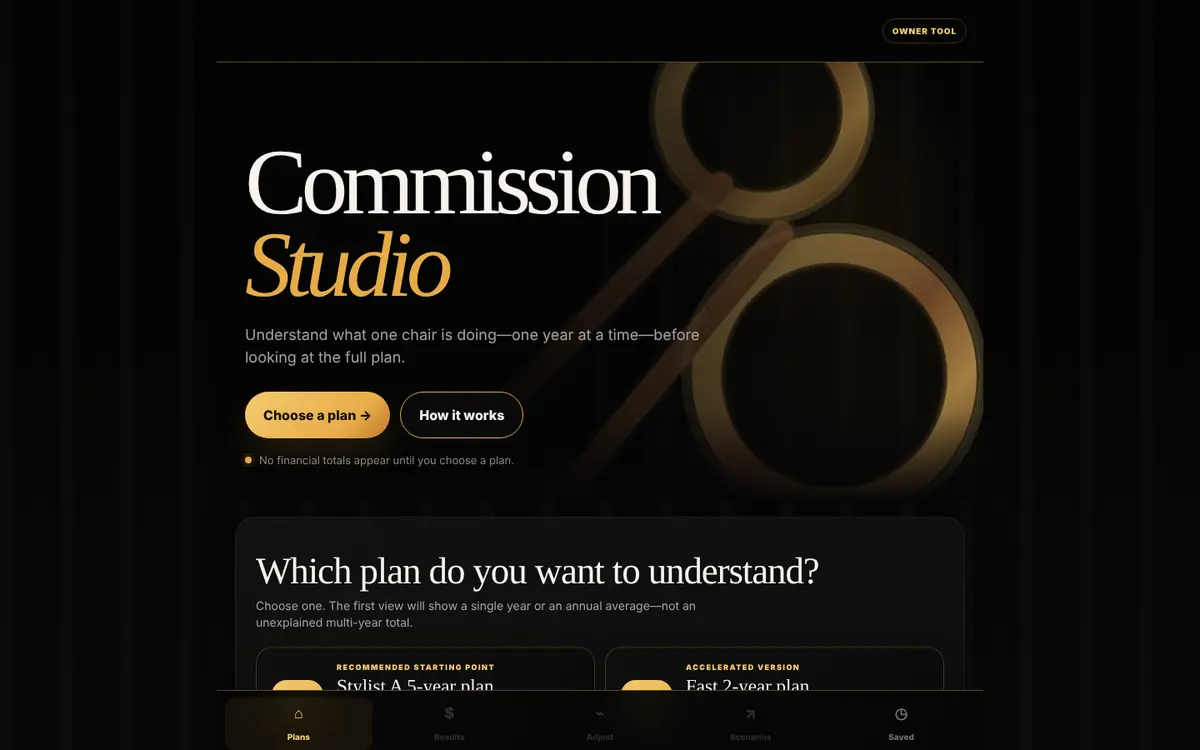
Shows a stylist what one chair earns under each commission plan, one year at a time, before anyone commits to the full plan. Built as a demo for a salon owner. The salon’s name is hidden in this picture.
My own command center: calls and voicemail, inbox, calendar, the day’s revenue and a Claude thread on one screen, with Caption Studio, the Knowledge Graph and project status one tap away in the dock. It runs behind a private login for my two businesses.
Every business runs on documents that drift apart. This is the map that stops it: 20 sources, 34 routes between them and one Router that says which document owns each fact, so pricing comes only from the pricing engine and the voice only from the brand guide. It opens from Ember’s dock. The map describes the relationships; it doesn’t report live traffic.
For anyone running several AI chats at once and losing track of what got done. One shared page per day: what shipped, what’s built but not live, what’s blocked. A prompt and a template, free on GitHub, with a walkthrough.